If you are searching for a raise the biggest family roblox beginner route, focus on one loop: adopt a Baby, bring them to your House, complete Care Tasks, earn Coins, and save enough to expand your Family Capacity. The goal is not to buy every shop item immediately. Early progress is steadier when care, income, and the next adoption are funded in that order; see the Coins and spending guide when you need to build that reserve.
Your first adoption route
Follow this sequence for the first child:
- Go to the
Adoption Centre. Travel there and join the adoption process. The available walkthrough shows that waiting is part of the route; an attempted line-skip purchase failed in that recording, so do not make it part of your plan. - Keep Coins ready. The adoption fee increases for later children. Treat the first payment as the beginning of your budget, not as permission to spend the rest on furniture.
- Follow the staff member. After the adoption prompt, continue to the nursery when you are called.
- Choose a
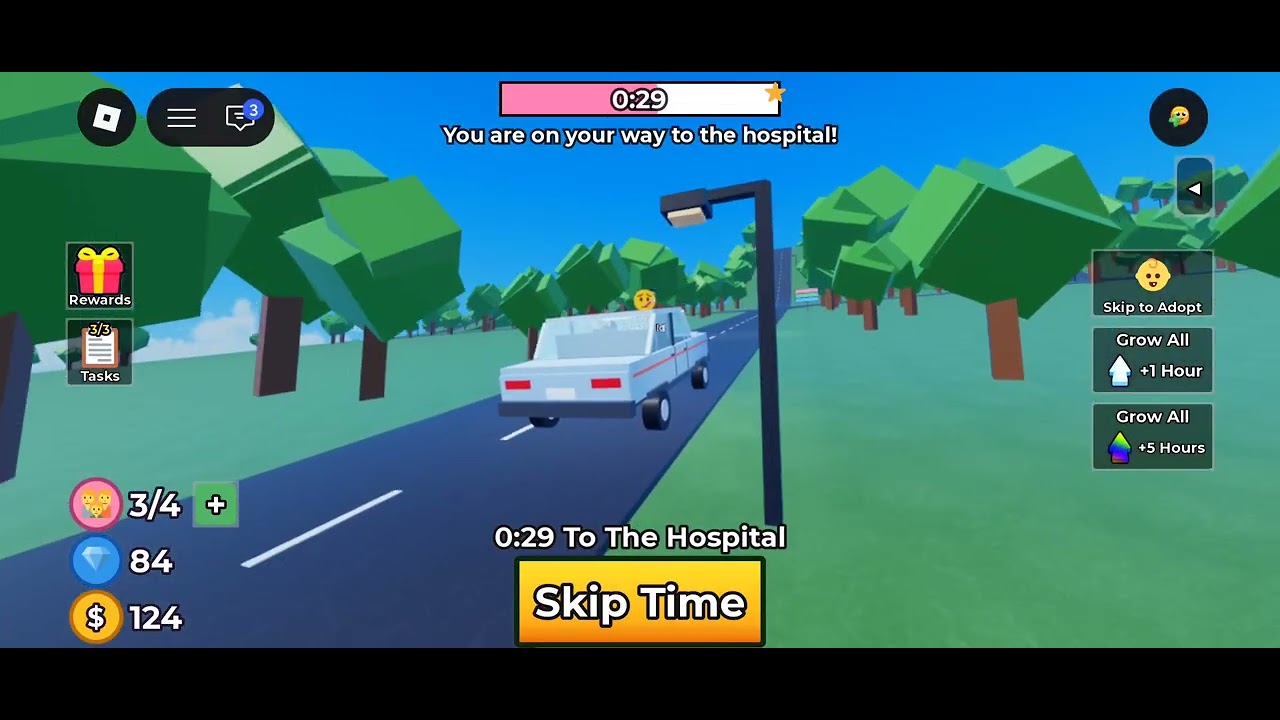
Baby. Complete the selection, then useTake Me Homeand drive back to yourHouse. - Place and name the child. Set up the child in the home before leaving to shop or chase optional activities.

A larger House allows more children, but the local evidence does not provide a complete house-level capacity table or upgrade-price formula. Check the capacity shown in your current home before committing to another adoption, then use the House capacity guide to plan the upgrade.
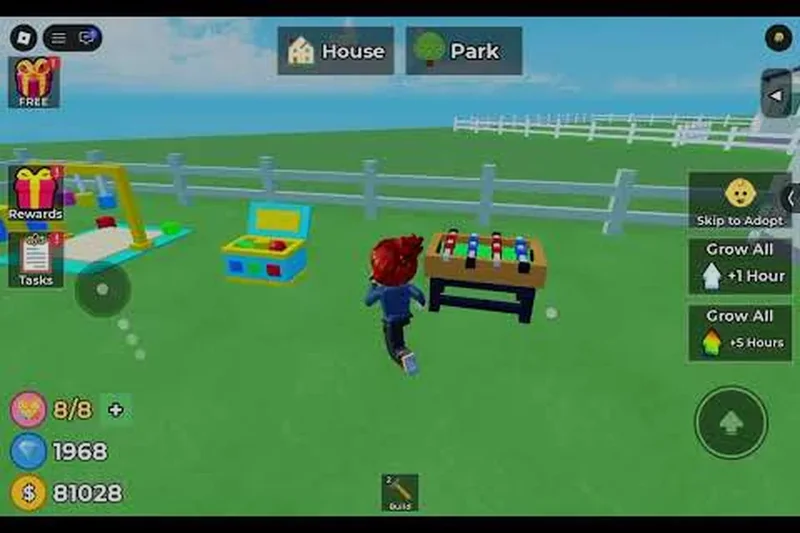
Set up care at home
Your first home setup should support the next care action, not decoration. Place a Crib and build a Formula Station when available. The recorded care loop includes picking up the baby, preparing a bottle, feeding, playing, cuddling, dressing, and responding to the child’s needs.

The Formula Station has a preparation wait: one recorded bottle took about 51 seconds to become ready. Use that gap to collect Coins, check tasks, or complete another care action instead of standing at the station. The exact wait can change with the live game, so treat the example as an observed delay rather than a permanent timer.
A practical cycle is:
- Check which need is most urgent.
- Prepare the required item or bottle.
- Complete the interaction, then confirm that it registered.
- Use the waiting period for income or a task.
- Check the baby again before spending Coins in a shop.
The goal is consistent care. Repeating the fastest interaction without checking the child’s other needs is less useful as the household grows.
Build a Coin budget
Coins pay for adoption and also support facilities, toys, clothing, and furniture. Use the income sources in this order:
- Hourly income: collect the available periodic payment instead of leaving it unclaimed.
- Tasks: check the task list and complete objectives that fit your current care route. The walkthrough specifically points to tasks as a source of money and mentions a possible
Golden Teddyreward, but it does not provide a complete reward table. - Daily Rewards: return each day to claim the available reward.
- Shop purchases: buy optional toys, outfits, or furniture only after the next care need and adoption fee are covered.
This budget rule matters because the next child costs more than the previous one. If your balance is low, postpone the furniture store and keep the money for care facilities or the next adoption instead.
Build Coins for adoption and family care
These moments show the increasing adoption fee, the early family capacity display, and the hourly income and task rewards used to fund care and expansion.

Expand your family safely
The visible early-game loop shows a family at 1/3, so the starting home can display three available child places in that example. Do not treat that observation as a universal capacity table: the exact starting capacity and larger-house capacities are not fully documented in the supplied records.
When the current Family Capacity is full:
- Keep completing care and income tasks.
- Save the adoption fee plus a buffer for basic care.
- Check the
Houseoption for a larger home. - Buy the upgrade only when its live price fits your budget.
- Return to the
Adoption Centreand repeat the adoption route.
This order prevents a common mistake: paying for expansion and then lacking enough Coins for the child or the facilities needed at home.
Let Growth work while you wait
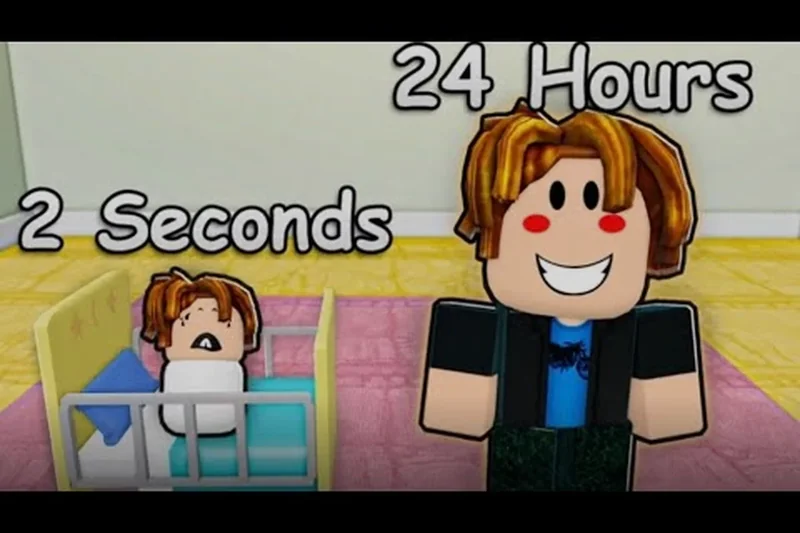
Growth is time-based rather than an instant reward from one care action. Children continue toward later stages while you manage the household, and the supplied video evidence shows a child reaching a one-year milestone. Other local material describes offline aging, but no complete, version-stable age schedule is available.
Use the waiting period productively:
- collect hourly Coins;
- finish compatible tasks;
- claim Daily Rewards when you return;
- check whether a bottle or care action is ready;
- save for the next House or adoption fee.
Do not promise yourself a fixed number of minutes or hours based on one screenshot or demonstration. If growth appears stalled, check the child’s current state, confirm that the game saved your progress, and then verify the live game’s current rules.
See how children grow while you wait
This moment supports the Growth section by showing a child reaching a one-year milestone while the household progresses over time.
Mistakes to avoid
| Mistake | Better decision |
|---|---|
| Spending the first Coins on decoration | Fund the next care need and keep an adoption buffer |
| Assuming every adoption costs the same | Expect later adoption fees to increase |
| Waiting beside the Formula Station | Use the preparation delay for tasks, income, or another check |
| Buying a larger House without a reserve | Save for the upgrade, adoption fee, and basic care together |
| Treating one capacity display as a complete table | Recheck the live Family Capacity after updates |
| Expecting instant Growth | Continue the care-and-income loop while waiting |
FAQ
How do I start Raise The Biggest Family Roblox?
Go to the Adoption Centre, complete the adoption process, choose a Baby, select Take Me Home, and drive back to your House. Place and name the child before moving on to optional shopping.
How do I earn Coins in Raise The Biggest Family?
Collect hourly income, complete tasks, and claim Daily Rewards. Tasks may also provide a Golden Teddy, although the supplied records do not list every task reward.
How do I adopt more children?
Keep enough Coins for the increasing adoption fee and buy a larger House when your current Family Capacity is full. Exact upgrade prices and a complete capacity table are not documented in the available evidence.
How long does it take children to grow?
Children grow while you wait, and the available material indicates that growth can continue offline. A reliable fixed timer is not documented, so use the live in-game display rather than assuming a universal schedule.
SourcesReviewed October 31, 2026
- Raise The Biggest Family Roblox Wiki:
https://raisethebiggestfamily.wiki/en/guides/raise-the-biggest-family-beginner-guidesupports the first-session adoption and care route. - Raise The Biggest Family Roblox Wiki:
https://raisethebiggestfamily.wiki/en/guides/raise-the-biggest-family-main-gameplay-loopsupports the broader adoption, care, income, and growth loop. - Video and Roblox records:
https://www.youtube.com/watch?v=9tkXmqHRytMsupports the observed adoption fee increase, bottle wait, hourly Coins, tasks, and1/3display;https://www.roblox.com/games/89537559330901/Raise-The-Biggest-Familyidentifies the game. Fixed prices, capacity tables, and growth timers were not independently verified for this article.